Limited-time offer — Save
30% offon all subscription tiers
01
:
21
:
39
:
02
Manage your server, connect with your community, and unlock new possibilities—all in one place.
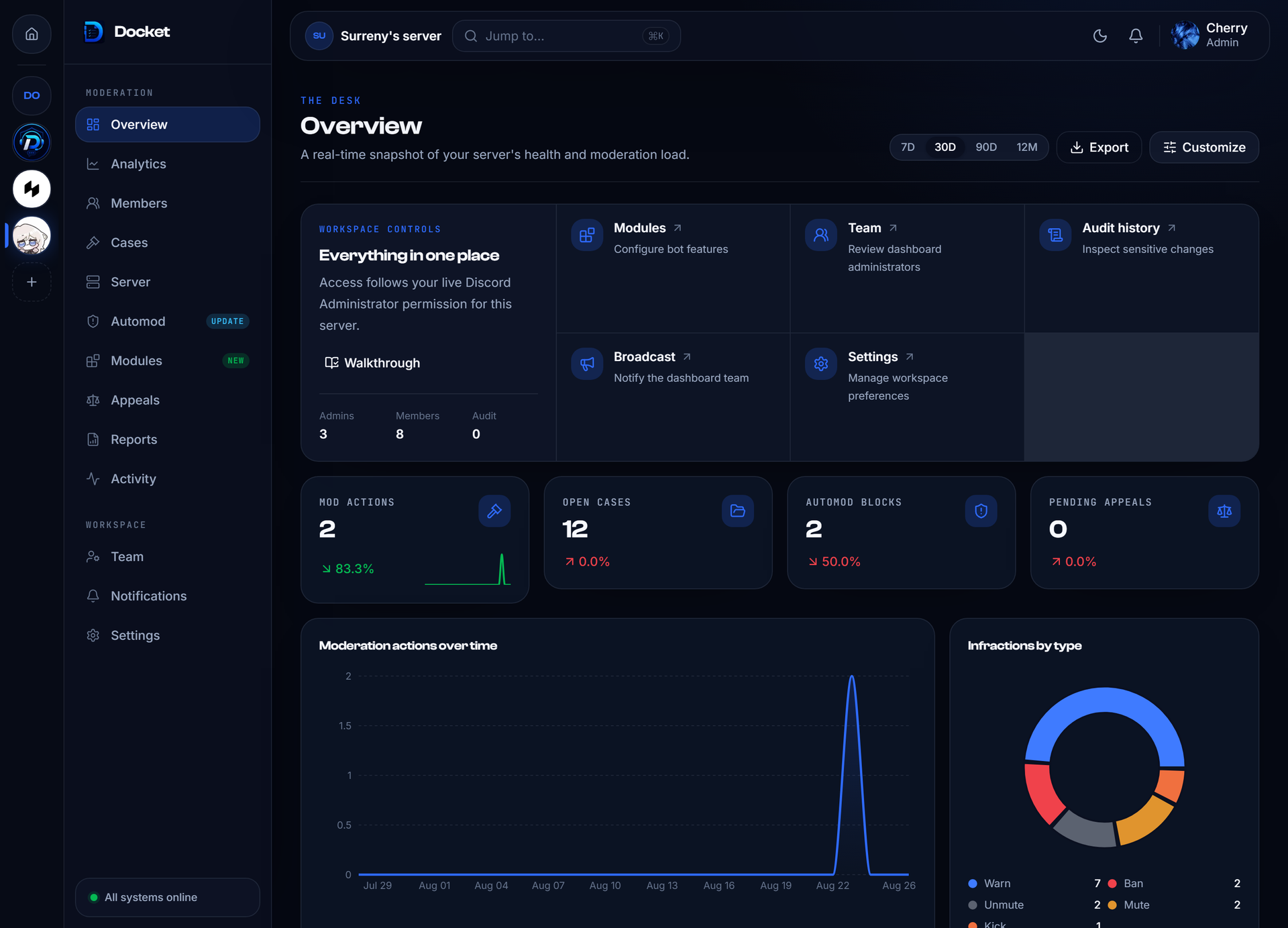
Responds instantly to keep your server alive and active.
Built with best practices to protect your community.
Packed with moderation, fun, utility, and more plugins.
Easily adapt the bot to your server's needs

Every server’s different. Pick the plugins that match your vibe and make your community stand out.
Handle users with ease, track their activity, and keep your server organized, active, and welcoming for everyone.
Displays the current number of members connected to a voice channel.
Tracks user levels and activity, with commands to reset levels, view top rankings, and more.
Greets new members with a custom welcome message.
Allows users to create private tickets for support or inquiries, making it easy for moderators to manage and resolve issues.
Creates temporary voice channels that automatically disappear when no one is using them.
Maintain control with powerful moderation tools, detailed logs, protection features, and an easy reporting system.
Provides tools for managing and moderating the server, including banning, muting members, auto mod and more.
Tracks and records important server events, such as message deletions, member actions, and more for easy moderation.
Enhances server security by providing features like anti-raid and other protective measures to keep your community safe.
Enables users to report other members to moderators for rule violations or issues.
Create a dynamic experience with powerful interactive features that boost engagement, encourage participation, and keep your community thriving.
Send embeds with content, edit messages, and handle dynamic responses seamlessly.
Offers a vibrant color scheme that lets users pick their favorite color, and you can always create your own color scheme.
Assign roles to users with a simple reaction, making role management quick and interactive!
Automate routine tasks, leverage essential utilities, and effortlessly back up and restore your server data whenever needed.
Automatically responds to specific keywords or phrases with predefined messages.
Contains various general commands for common tasks and server information.
Creates and stores backups of server settings, roles, and configurations for easy recovery in case of issues.
Automates tasks and actions on your server, streamlining repetitive processes like role assignments based on certain circumstances and other custom actions.
Triggered when a user sends a message in a text channel. Can be filtered by channel, content, or user.
Triggered when a user adds a reaction to a message. Good for reaction roles or feedback tracking.

Triggered when a role is added to a user. Useful for onboarding or role-based tracking.

Triggered when a role is removed from a user. Can be used to clean up permissions or log changes.

Triggered when a user joins any voice channel. Can be used to trigger welcome messages or log activity.

Triggered when a user leaves a voice channel. Useful for attendance tracking or cleanup actions.
Add excitement and fun to your server with games, giveaways, and more to keep your community entertained and coming back for more.
Spice up your server with exciting features like roulette and quote tweet, with even more games on the way.
Easily host and manage giveaways, allowing users to participate and win exciting prizes.
Track valuable server data such as member joins, leaves, message counts, and voice channel activity to gain insights and improve server management.
Track new members joining your server to monitor growth.
Monitor members leaving your server for engagement insights.
Keep track of total messages sent in your server.
Track active members in voice channels to gauge participation

Docket is a powerful and versatile Discord bot designed to enhance your server experience. With features like moderation tools, fun commands, and custom integrations, Docket makes server management easy and engaging. Your all-in-one server companion.
© All rights reserved